
# Cron Task Manager
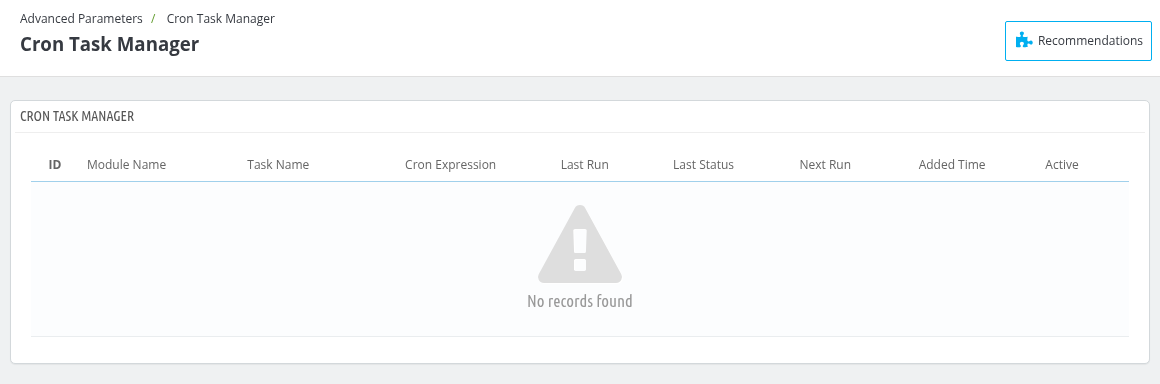
The Cron Task Manager module (qlocrontaskmanager) is a centralized scheduling system. A single cron entry on your server runs all the scheduled tasks registered by the modules of your QloApps.
You can find it under Advanced Parameters > Cron Task Manager.
# Cron Task Manager Configuration
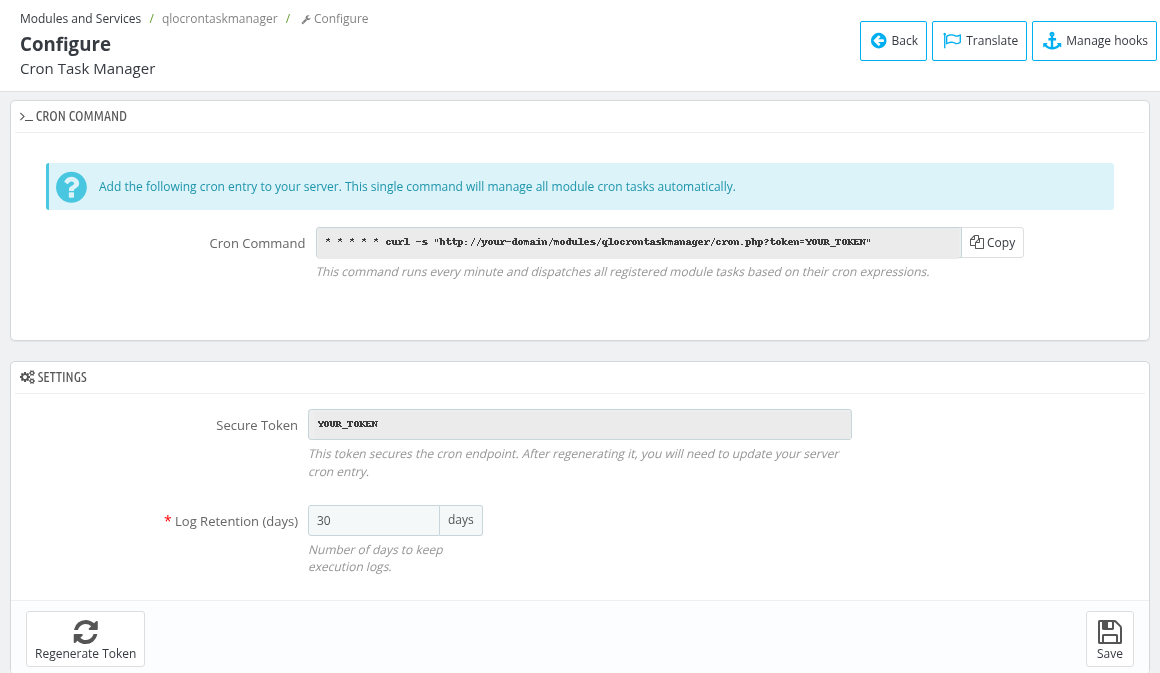
To open the module's settings, go to Modules and Services, find Cron Task Manager and click Configure.
# Cron Command
Add the displayed cron command to your server's crontab. This single command runs every minute and dispatches all registered module tasks based on their cron expressions. Use the Copy button to copy the command.
Note: If the cron command is not found on your server, a "Server cron job not detected" box with a Configure Cron Job link is shown on the Dashboard.
# Settings
- Secure Token : This token secures the cron endpoint. After regenerating it, you will need to update your server cron entry.
- Log Retention (days) : Number of days to keep execution logs. Enter a whole number between 1 and 365.
- Regenerate Token : Click it to generate a new secure token. A confirmation is asked first, and the cron entry on your server must be updated with the new URL.
- Save : Click it to save the settings.
# Cron Tasks List
The list shows all the tasks registered by the modules with the following columns:
- ID : Unique ID of the cron task.
- Module Name : The module that owns the task.
- Task Name : The unique name of the task within the module.
- Cron Expression : The schedule of the task.
- Last Run : Date and time when the task was last executed.
- Last Status : Result of the last run (Success, Error or N/A).
- Next Run : Date and time of the next scheduled run.
- Added Time : Date and time when the task was added.
- Active : Shows whether the task is enabled. Click it to enable or disable the task.
To enable or disable many tasks together, select them and use the bulk actions Enable selected or Disable selected.
# Edit Cron Task
Click Edit on a task to open the Edit Cron Task form.
- Module Name : The module that owns this task.
- Task Name : A unique identifier for this task within the module.
- Description : A short human-readable description of what this task does.
- Cron Expression : The schedule of the task in the format "minute hour day month weekday", for example
0 0 * * *. A readable explanation of the expression is shown below the field. - Active : Select Enabled or Disabled. Disabled tasks are skipped.
Click Save to apply the changes. Use the Reset Task action in the list to revert a task to the original values defined by its module.
# Cron Task Logs
Click View All Logs on the tasks list to see the execution logs of all the tasks. On the Edit Cron Task page, View Logs shows the logs of that task only. Use Back to Tasks to return.
The logs list has the columns ID, Module, Task Name, Status, Error Message, Execution Time and Date.
← Logs Webservice →