
# Manage Property Types
Under the Manage Property Types tab, the admin can see the types of properties (Hotel, Motel, Resort, Hostel and so on) that can be selected while adding a property, and can create new types or edit the existing ones.
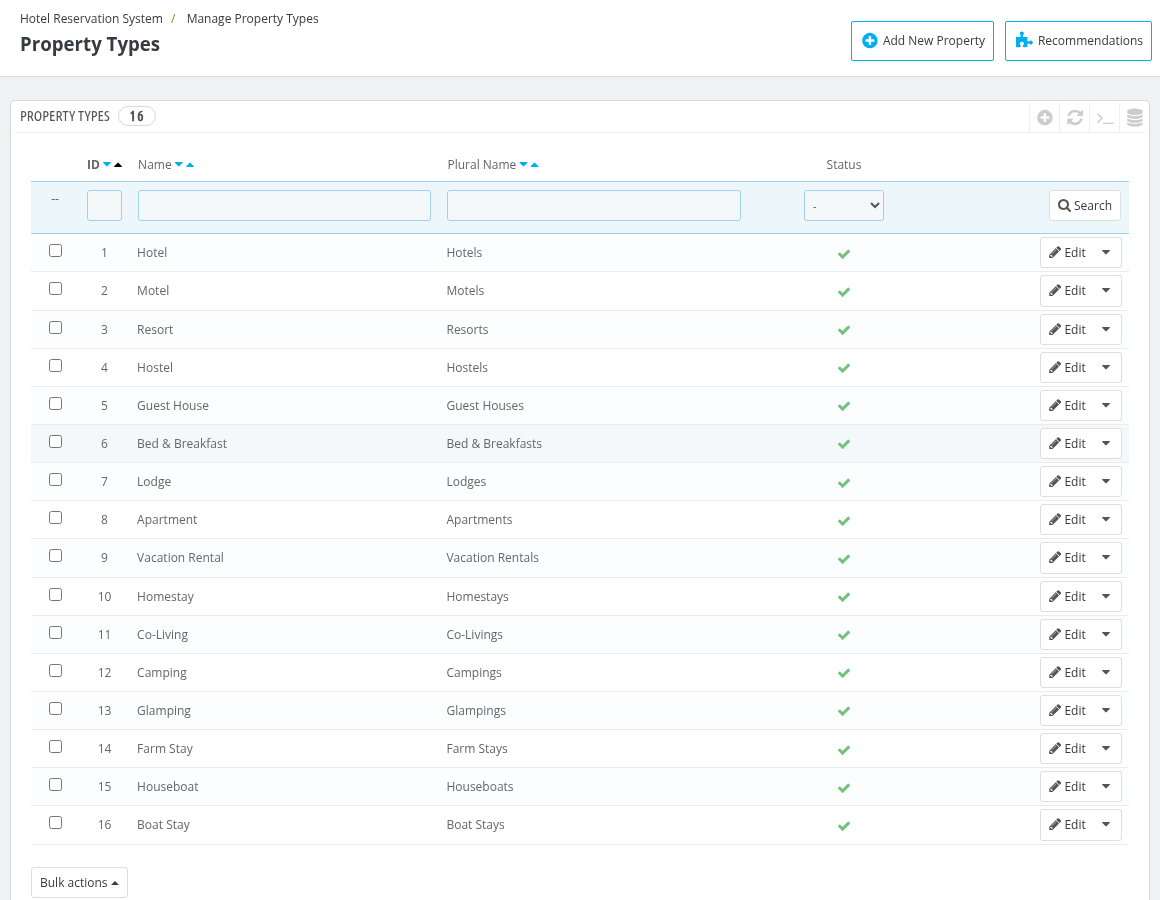
The list shows the ID, Name, Plural Name and Status of every property type. You can filter the list, edit or delete a property type with the buttons at the end of each row, and use Bulk actions to enable, disable or delete the selected property types.
# Add a new Property Type
To add a new property type, click on the "Add New Property" button at the top right of the page.
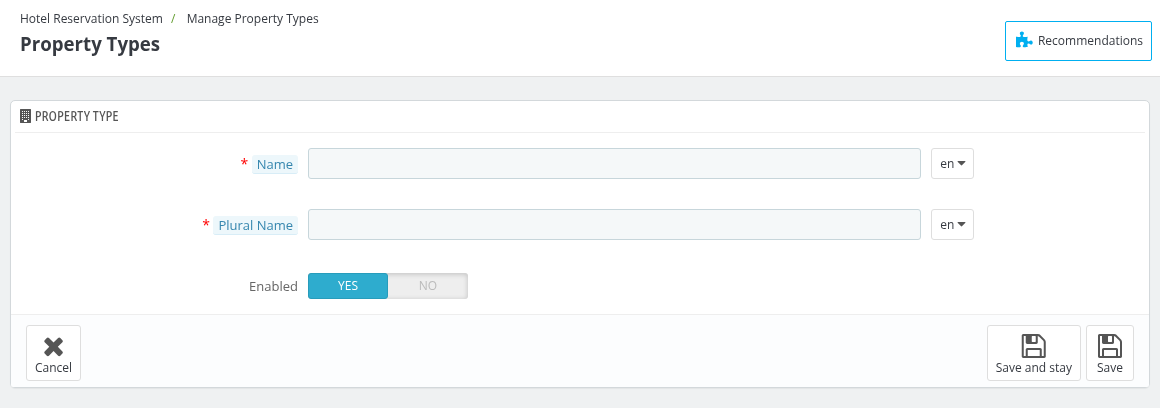
- Name: Enter the name of the property type, for example "Hotel". This is the displayed name for this property type.
- Plural Name: Enter the name used when more than one property of this type is referred to, for example "Hotels".
- Enabled: Enable or disable the property type.
Click on Save to save the property type.
Note: The name and the plural name are required at least in the default language of your website.
# Edit or delete a Property Type
Click on the Edit button of a property type to change its details, or use the drop-down next to it to delete it.
Note: A property type that is assigned to one or more properties cannot be disabled or deleted.
The enabled property types are available in the Property Type field of the Information tab when you add or edit a hotel.