
# Contact Us
The Contact Us page allows users to send inquiries, support requests, or feedback directly to the hotel.
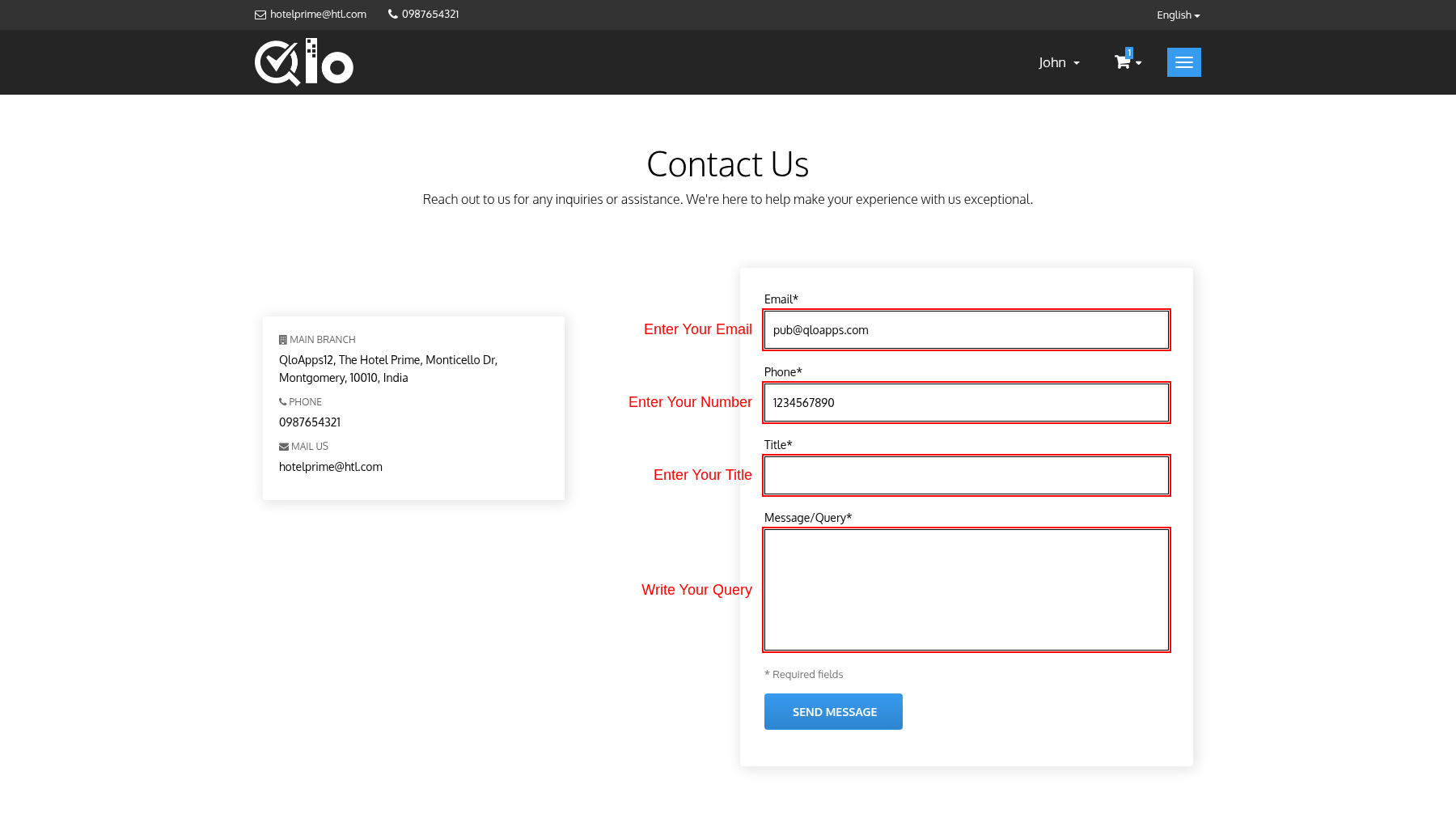
# Send a Message
To submit an inquiry, provide the following information:
- Name: Displayed only if enabled by the administrator.
- Email: Email address of the sender.
- Phone: Displayed only if enabled by the administrator.
- Title: Subject of the message.
- Send To: Select the recipient of the message. Displayed only if enabled by the administrator.
- Message/Query: Your message.
- Attach File: Optionally attach a file. Displayed only if enabled by the administrator.
Fields marked with an asterisk (*) are mandatory.
After entering the required details, click Send Message to submit your request.
Note for Administrators: Messages submitted through the Contact Us page can be viewed and managed from the Back Office by navigating to Customers → Customer Service. For more information, refer to the QloApps documentation: Customer Service
Note for Administrators: To display the list of hotels on the Contact Us page, navigate to Hotel Reservation System → General Settings → Website Configuration and enable Display Contact Page Hotel List. The hotels are then displayed under Our Hotels along with their address, phone number and email address.